

Version: v2 The CometChat Android Kotlin UI Kit is developed to keep developers in mind and aims to reduce development efforts significantly.Documentation Index
Fetch the complete documentation index at: https://cometchat-22654f5b-docs-android-v6-beta2.mintlify.app/llms.txt
Use this file to discover all available pages before exploring further.
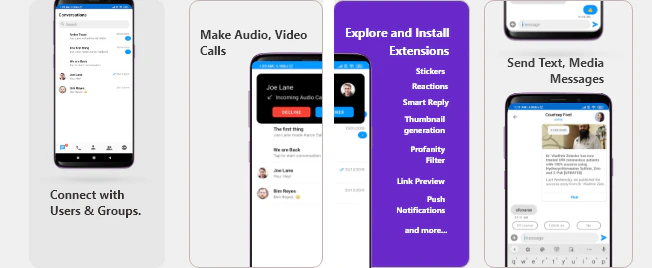
I want to checkout Kotlin Chat UI Kit
Follow the steps mentioned in the
README.md file.Kindly, click on below button to download our Kotlin Chat UI Kit.Kotlin Chat UI KitView on GithubI want to explore the sample app
Import the app into Android Studio and follow the steps mentioned in the
README.md file.Kindly, click on below button to download our Kotlin Sample App.Kotlin Sample AppView on GithubPrerequisites ⭐
Before you begin, ensure you have met the following requirements: ✅ You have Android Studio installed on your machine. ✅ You have an Android Device or Emulator with Android Version 6.0 or above. ✅ You have read Key Concepts.Installing Android Kotlin Chat UI Kit
Setup 🔧
To install Android Kotlin UI Kit, you need to first register on CometChat Dashboard. Click here to sign up.Get your Application Keys 🔑
- Create a new app
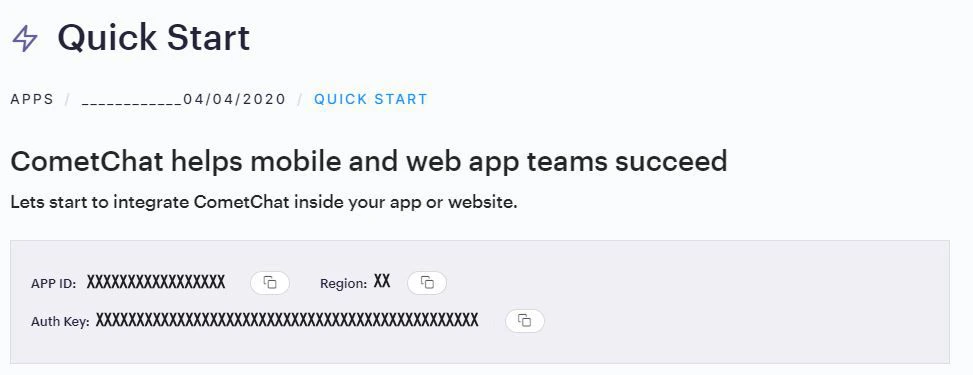
- Head over to the Quick Start or API & Auth Keys section and note the App ID, Auth Key, and Region.
Add the CometChat Dependency
First, add the repository URL to the project levelbuild.gradle file in the repositories block under the allprojects section.
build.gradle file and
- Add the below two line in the
dependenciessection.
- Add the below lines
androidsection
Configure CometChat inside your app
Initialize CometChat 🌟
Theinit() method initializes the settings required for CometChat. We suggest calling the init() method on app startup, preferably in the onCreate() method of the Application class.
- Kotlin
Login User 👤
Thelogin() method returns the User object containing all the information of the logged-in user.
- Kotlin
Add the UI Kit Library
To integrate the UI Kit, please follow the steps below:- Clone the UI Kit-Kotlin Library from the android-kotlin-chat-ui-kit repository
- Import
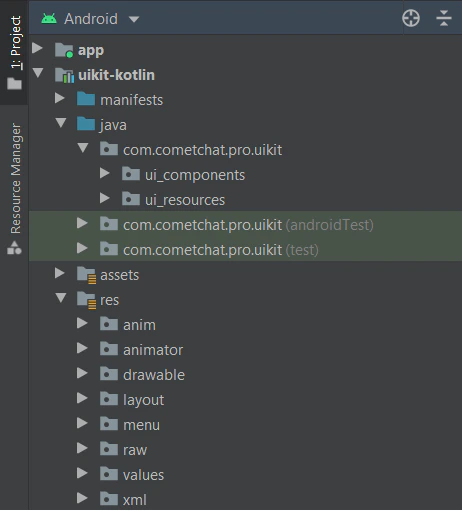
uikit-kotlinModule from Module Settings. - If the Library is added successfully, it will look like mentioned in the below image.
Configure UI Kit Library
To configure your app to use data binding, add the dataBinding element to your build.gradle file in the app module, as shown in the following example:'Theme.MaterialComponents.NoActionBar'
'Theme.MaterialComponents.Light.NoActionBar'
Theme.MaterialComponents.DayNight.NoActionBar
Update your app theme to inherit from one of these themes, e.g.:
- XML
Launch CometChatUI 🚀
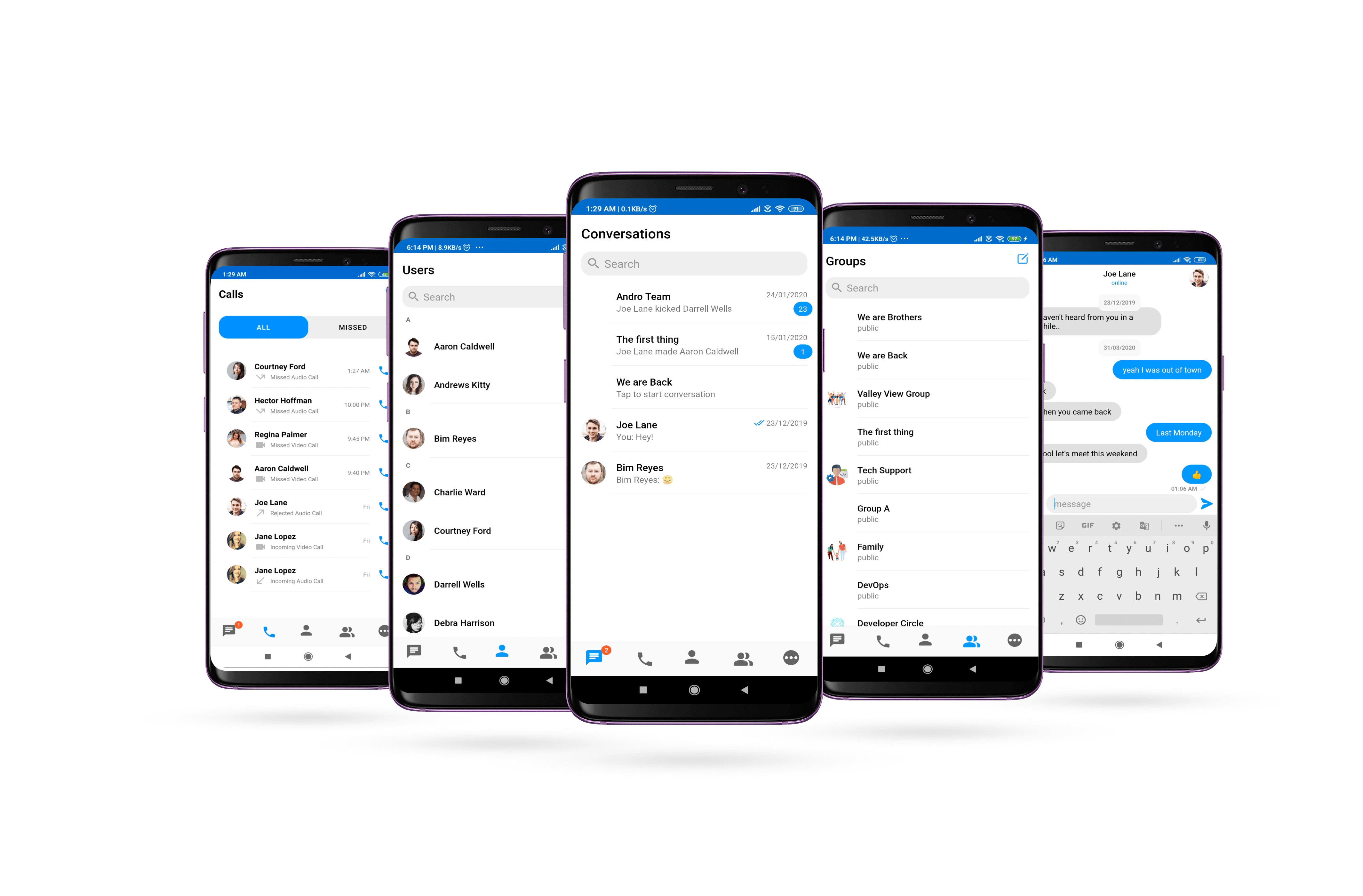
CometChatUI.
- Kotlin