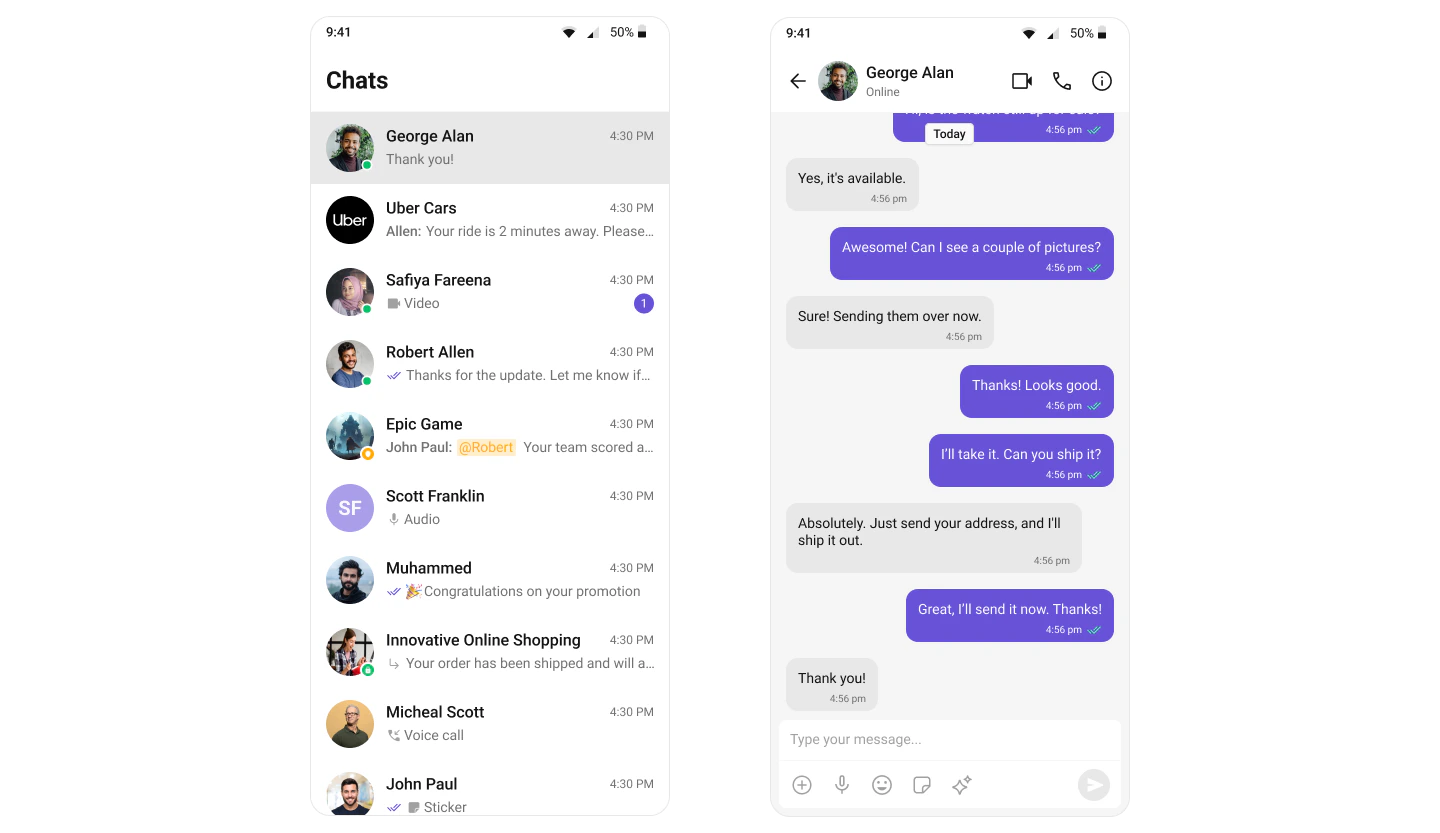
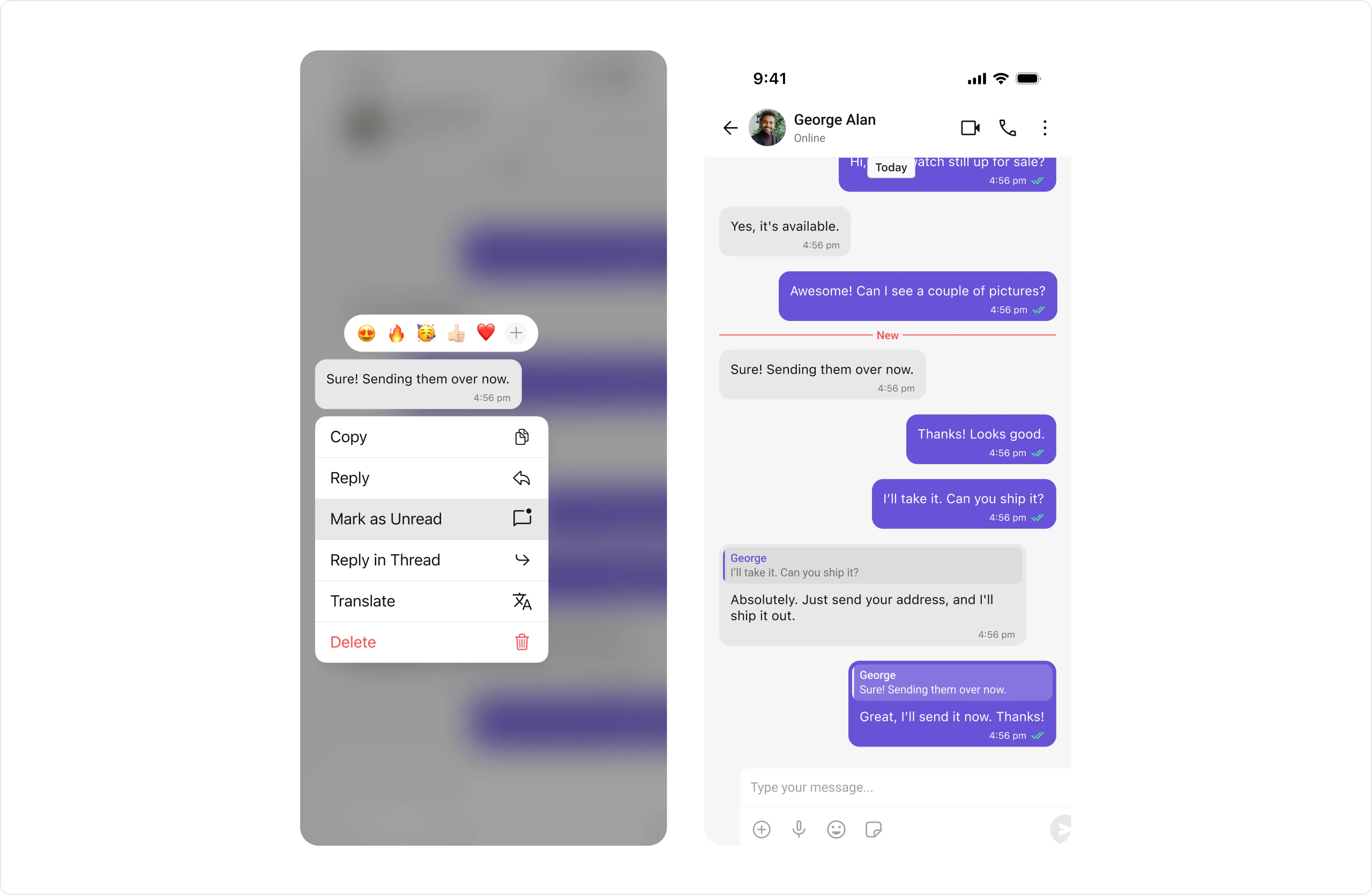
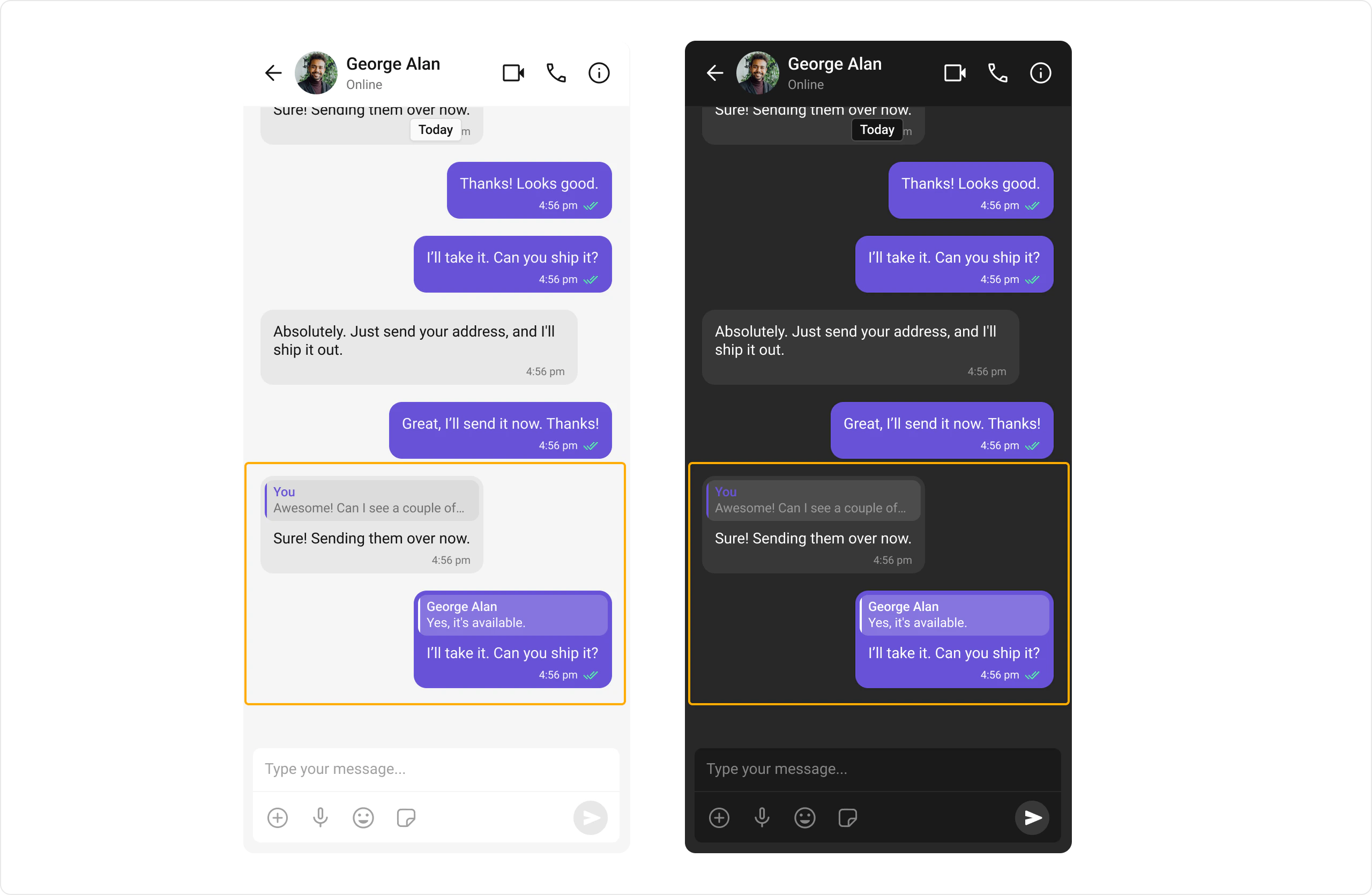
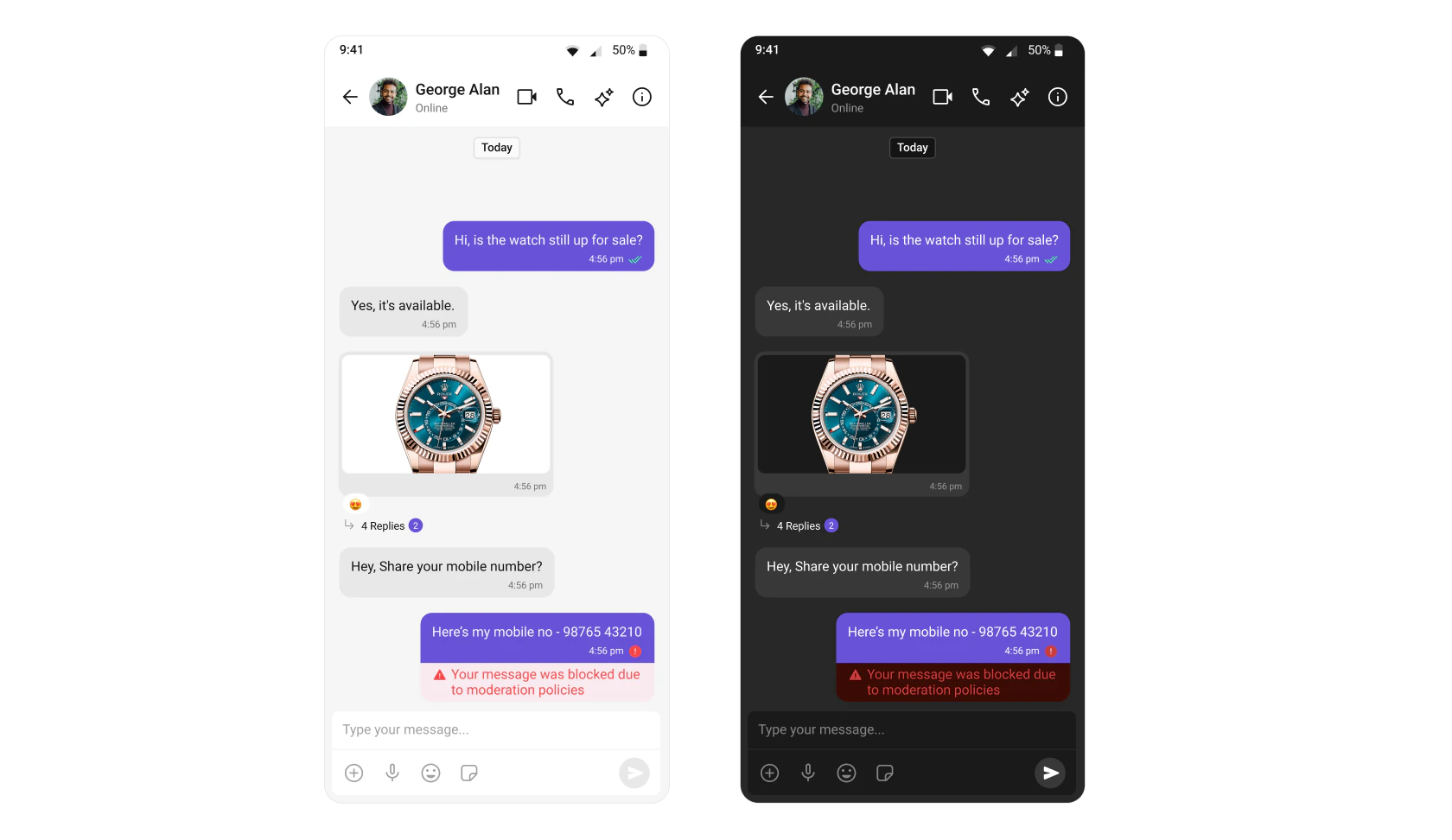
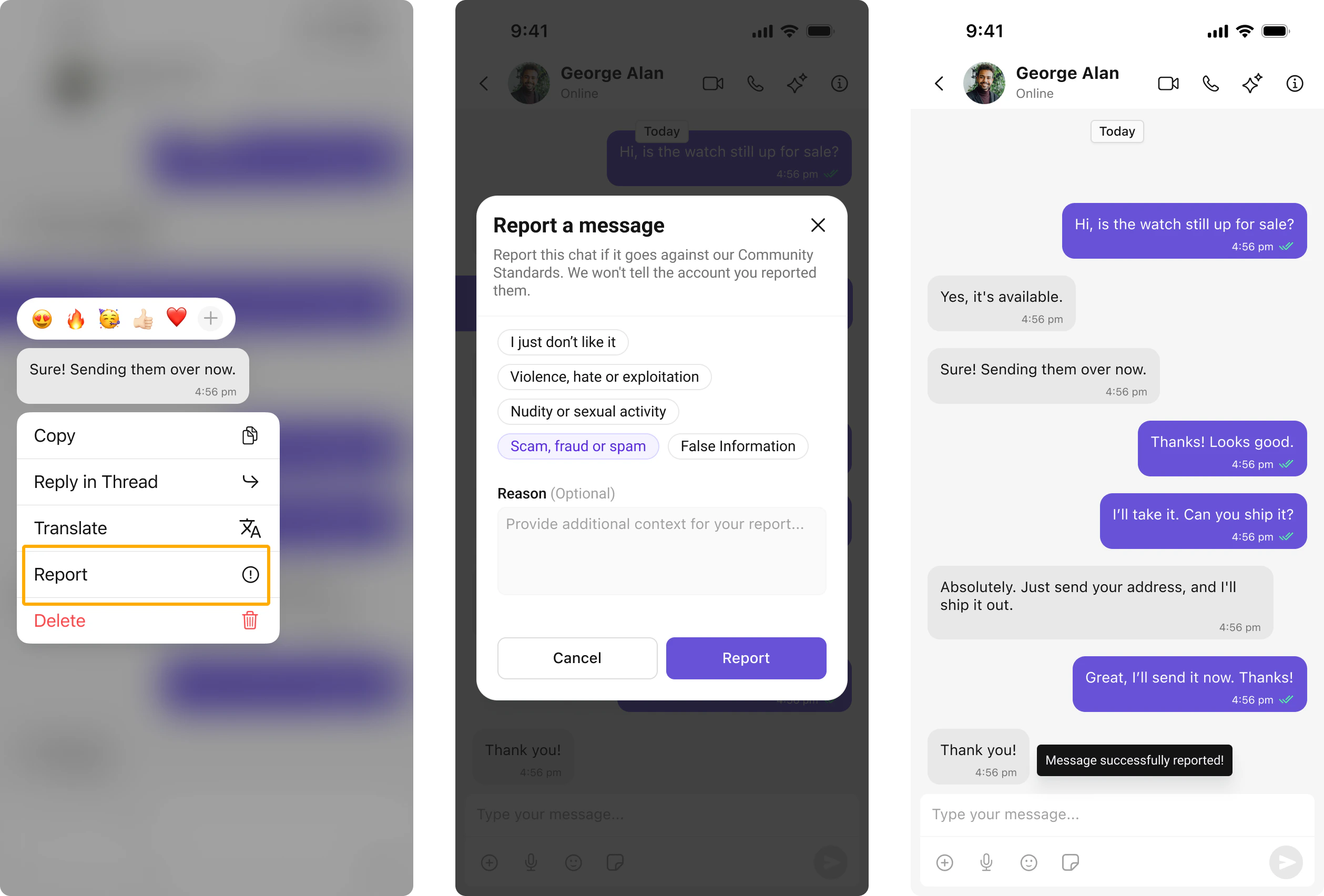
Overview of CometChat’s core chat features including instant messaging, media sharing, read receipts, typing indicators, user presence, reactions, mentions, threaded conversations, and moderation.
Use this file to discover all available pages before exploring further.
AI Integration Quick Reference
Field
Value
Packages
com.cometchat:chatuikit-kotlin-android (Kotlin XML Views), com.cometchat:chatuikit-compose-android (Jetpack Compose)
Required setup
CometChatUIKit.init() then CometChatUIKit.login() — must complete before rendering any component
Core features
Instant Messaging, Media Sharing, Read Receipts, Mark as Unread, Typing Indicator, User Presence, Reactions, Mentions, Rich Text Formatting, Quoted Reply, Search, Threaded Conversations, Moderation, Report Message, Group Chat
Users can manually mark messages as unread to revisit important conversations later. The message list can start from the first unread message automatically.
Rich Text Formatting allows users to style their messages with bold, italic, strikethrough, code, code blocks, blockquotes, ordered/unordered lists, and links. This brings richer expression to conversations and helps users emphasize key points.
Provides a built-in rich text editor with formatting toolbar and text selection menu items for bold, italic, strikethrough, code, links, lists, blockquotes, and code blocks.
Renders formatted messages with the appropriate styling automatically applied, ensuring that rich text formatting is displayed exactly as intended by the sender.
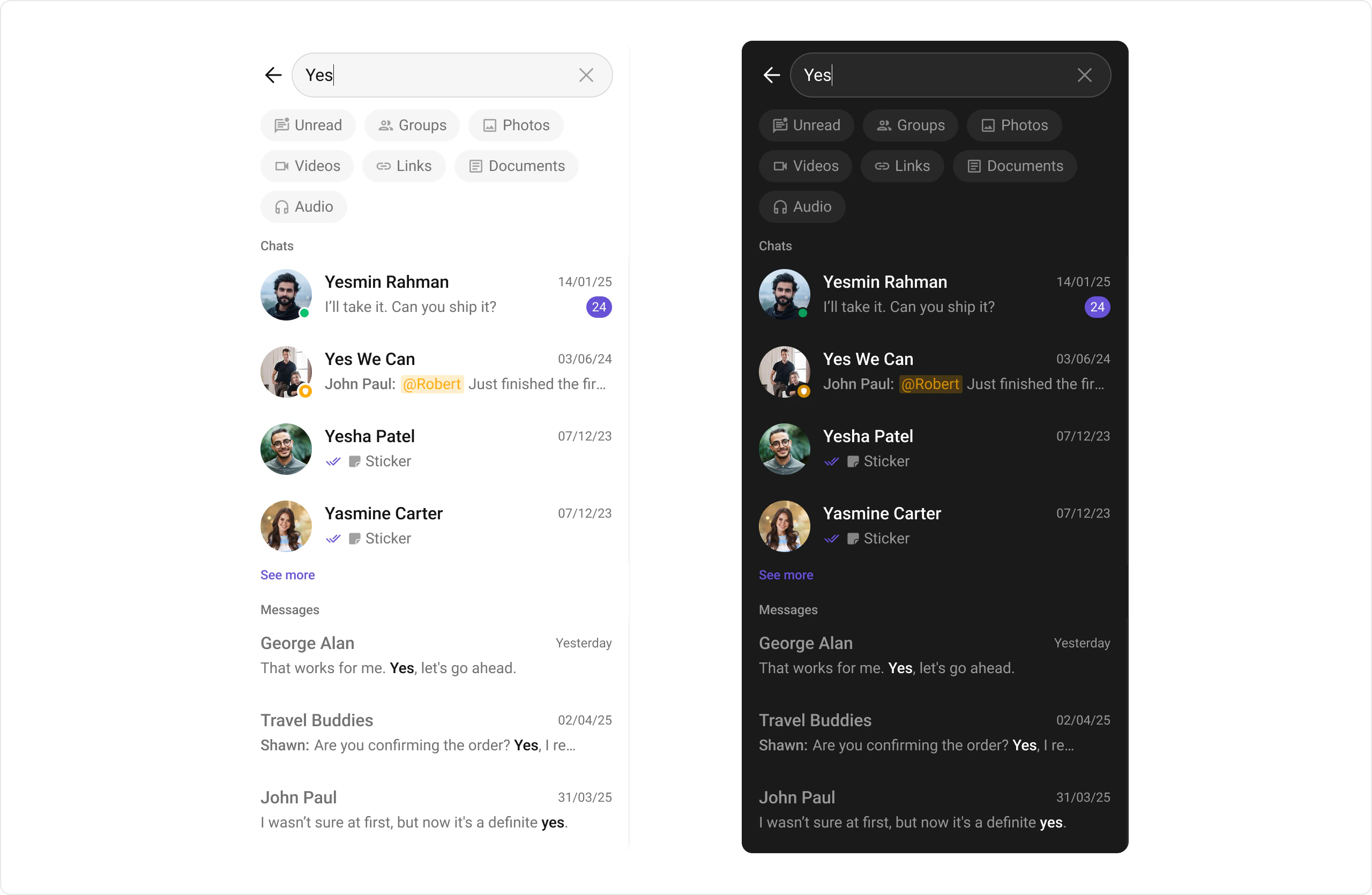
Conversation and Advanced Search enables users to quickly find conversations, messages, and media across chats in real time. It supports filters, scopes, and custom actions, allowing users to locate content efficiently while keeping the chat experience smooth and intuitive.
Allows users to search across conversations and messages in real time. Users can click on a result to open the conversation or jump directly to a specific message.