Documentation Index Fetch the complete documentation index at: https://cometchat-22654f5b-docs-android-v6-beta2.mintlify.app/llms.txt
Use this file to discover all available pages before exploring further.
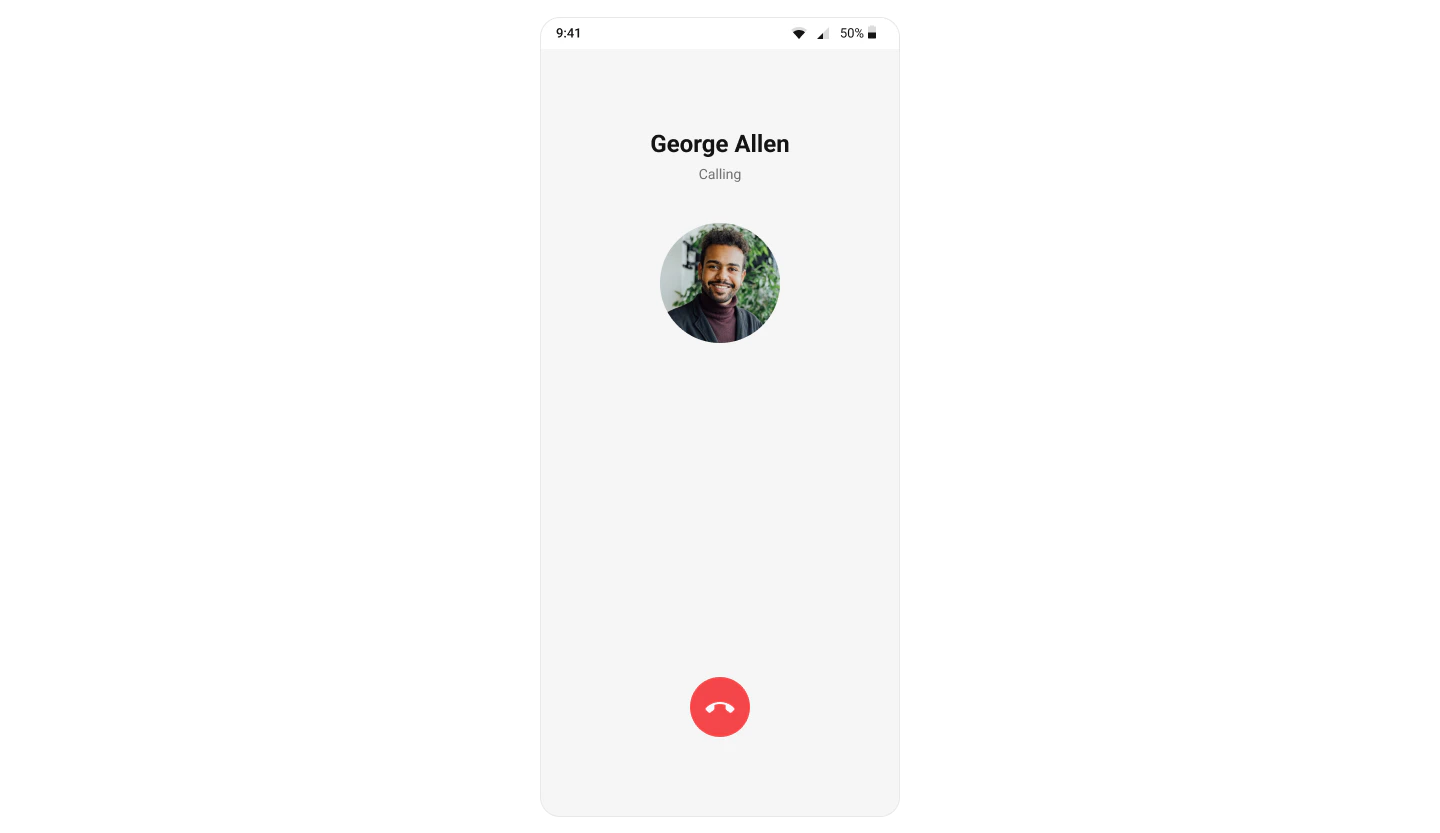
CometChatOutgoingCall renders the outgoing call screen and transitions to the ongoing call screen when the receiver accepts. It displays the recipient’s avatar, name, call status, and an end-call button.Where It Fits CometChatOutgoingCall is a call-initiation component. Wire it to CometChatCallEvents to handle call-accepted and call-rejected transitions. Kotlin (XML Views)
Jetpack Compose
< com.cometchat.uikit.kotlin.presentation.outgoingcall.CometChatOutgoingCall android:id = "@+id/outgoing_call" android:layout_width = "match_parent" android:layout_height = "match_parent" />
val outgoingCall = findViewById < CometChatOutgoingCall >(R.id.outgoing_call) outgoingCall. setCall (call)
CometChatOutgoingCall ( call = call )
Quick Start Kotlin (XML Views)
Jetpack Compose
Add to your layout XML: < com.cometchat.uikit.kotlin.presentation.outgoingcall.CometChatOutgoingCall android:id = "@+id/outgoing_call" android:layout_width = "match_parent" android:layout_height = "match_parent" />
Set the Call object — this is required: override fun onCreate (savedInstanceState: Bundle ?) { super . onCreate (savedInstanceState) setContentView (R.layout.activity_call) val outgoingCall = findViewById < CometChatOutgoingCall >(R.id.outgoing_call) outgoingCall. setCall (call) }
@Composable fun OutgoingCallScreen () { CometChatOutgoingCall ( call = call ) }
Prerequisites: CometChat SDK initialized with CometChatUIKit.init(), a user logged in, and the UI Kit dependency added.
Actions and Events Callback Methods onEndCallClickFires when the end-call button is tapped. Default: cancels the outgoing call via the SDK.
Kotlin (XML Views)
Jetpack Compose
outgoingCall. setOnEndCallClick { // Custom end-call logic }
CometChatOutgoingCall ( call = call, onEndCallClick = { /* custom end-call logic */ } )
onErrorFires on internal errors (network failure, auth issue, SDK exception).
Kotlin (XML Views)
Jetpack Compose
outgoingCall. setOnError { context, exception -> Log. e ( "OutgoingCall" , "Error: ${ exception.message } " ) }
CometChatOutgoingCall ( call = call, onError = { context, exception -> Log. e ( "OutgoingCall" , "Error: ${ exception.message } " ) } )
Global UI Events (CometChatCallEvents) Event Fires when Payload ccCallAcceptedOutgoing call accepted by receiver CallccCallRejectedOutgoing call rejected by receiver Call
SDK Events (Real-Time, Automatic) SDK Listener Internal behavior onOutgoingCallAcceptedTransitions to the ongoing call screen onOutgoingCallRejectedFinishes the activity or invokes back-press handler
Functionality Method (Kotlin XML) Compose Parameter Description setCall(call)call = callSet the Call object (required) setOnEndCallClick { }onEndCallClick = { }Override end-call button behavior setOnError { }onError = { }Error callback setDisableSoundForCalls(true)disableSoundForCalls = trueDisable outgoing call ringtone setCustomSoundForCalls(R.raw.tone)customSoundForCalls = R.raw.toneCustom ringtone
Custom View Slots Title View Replace the name / title text area.
Kotlin (XML Views)
Jetpack Compose
outgoingCall. setTitleView { context, call -> val titleView = LayoutInflater. from (context). inflate (R.layout.custom_title_view, null ) val tvTitle = titleView. findViewById < TextView >(R.id.title_text) val user = call?.callReceiver as User tvTitle.text = user.name + " <> " + call.sender.uid titleView }
CometChatOutgoingCall ( call = call, titleView = { c -> val receiver = c.callReceiver as ? User Text ( text = " ${ receiver?.name } <> ${ c.sender.uid } " , style = CometChatTheme.typography.caption1Regular ) } )
Avatar View Replace the avatar / profile picture area.
Kotlin (XML Views)
Jetpack Compose
outgoingCall. setAvatarView { context, call -> val avatarView = LayoutInflater. from (context). inflate (R.layout.custom_avatar_view, null ) val avatar = avatarView. findViewById < CometChatAvatar >(R.id.avatar) val user = call?.receiver as User avatar. setAvatar (user.uid, user.avatar) avatarView }
CometChatOutgoingCall ( call = call, avatarView = { c -> val receiver = c.callReceiver as ? User CometChatAvatar ( imageUrl = receiver?.avatar, name = receiver?.name, modifier = Modifier. size ( 100 .dp) ) } )
Replace the end-call button.
Kotlin (XML Views)
Jetpack Compose
outgoingCall. setEndCallView { context, call -> val endCallView = LayoutInflater. from (context). inflate (R.layout.end_call_button, null ) endCallView. setOnClickListener { Toast. makeText (context, "End call clicked" , Toast.LENGTH_SHORT). show () } val layoutParams = LinearLayout. LayoutParams ( ViewGroup.LayoutParams.MATCH_PARENT, ViewGroup.LayoutParams.WRAP_CONTENT ) layoutParams.bottomMargin = Utils. convertDpToPx (context, 40 ) endCallView.layoutParams = layoutParams endCallView }
CometChatOutgoingCall ( call = call, cancelButtonView = { c -> Button ( onClick = { /* end call */ }, colors = ButtonDefaults. buttonColors (containerColor = Color.Red), modifier = Modifier . fillMaxWidth () . padding (horizontal = 16 .dp, vertical = 40 .dp) ) { Icon ( painterResource (R.drawable.cometchat_ic_end_call), "End Call" ) Spacer (Modifier. width ( 16 .dp)) Text ( "End Call" ) } } )
Style Kotlin (XML Views)
Jetpack Compose
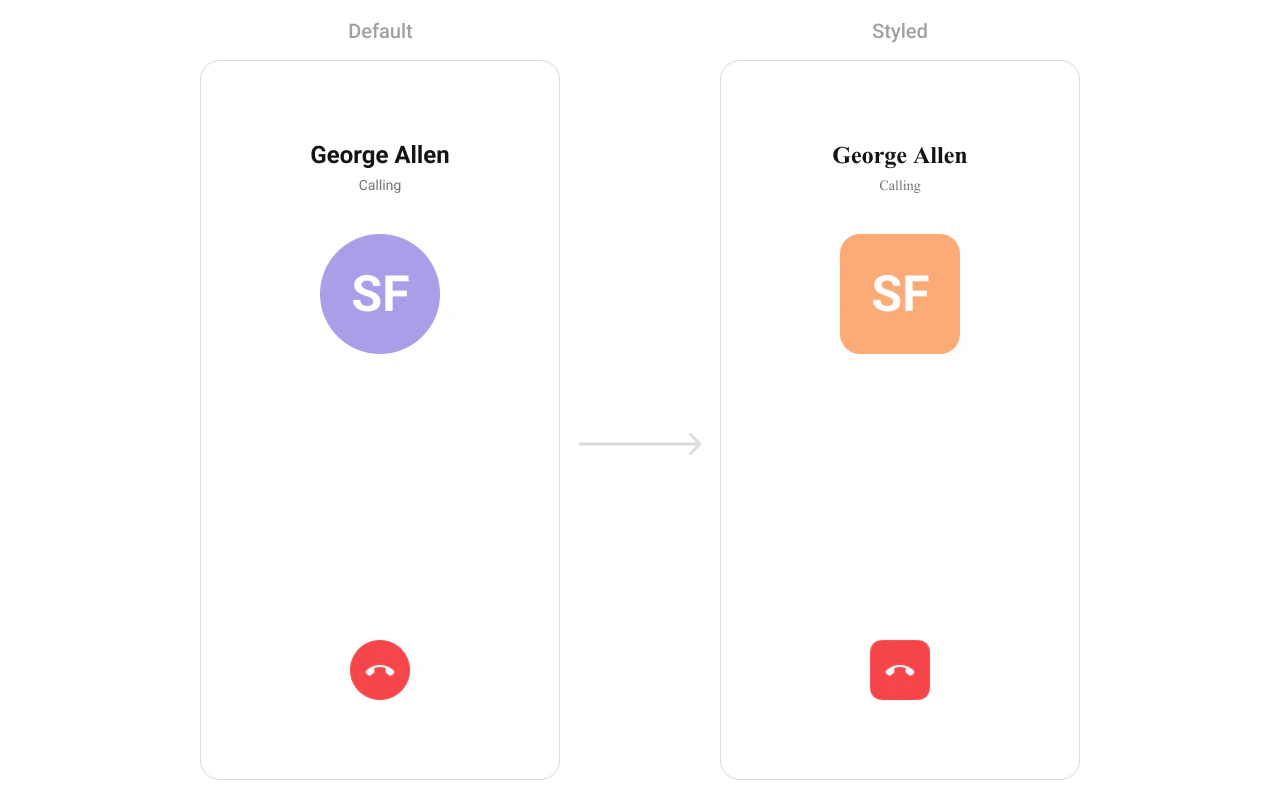
Define a custom style in themes.xml: < style name = "CustomOutgoingCallStyle" parent = "CometChatOutgoingCallStyle" > < item name = "cometchatOutgoingCallBackgroundColor" > #FEEDE1 </ item > < item name = "cometchatOutgoingCallTitleTextColor" > #F76808 </ item > < item name = "cometchatOutgoingCallSubtitleTextColor" > #F76808 </ item > </ style >
outgoingCall. setStyle (R.style.CustomOutgoingCallStyle)
CometChatOutgoingCall ( call = call, style = CometChatOutgoingCallStyle. default (). copy ( backgroundColor = Color ( 0xFFFEEDE1 ), titleTextColor = Color ( 0xFFF76808 ), subtitleTextColor = Color ( 0xFFF76808 ) ) )
See Component Styling for the full reference.
Next Steps
Incoming Call Incoming call notification with accept/reject
Call Buttons Voice and video call buttons
Call Logs View call history
Conversations Browse recent conversations