CometChat AI Smart Chat Features enhance user interaction by providing contextual suggestions and summaries. Each feature must be enabled from the CometChat Dashboard first, then activated in your Angular components via input properties.
AI Smart Chat Features must be enabled from the CometChat Dashboard. Once activated in the dashboard, you enable them in your Angular components using the inputs described below.
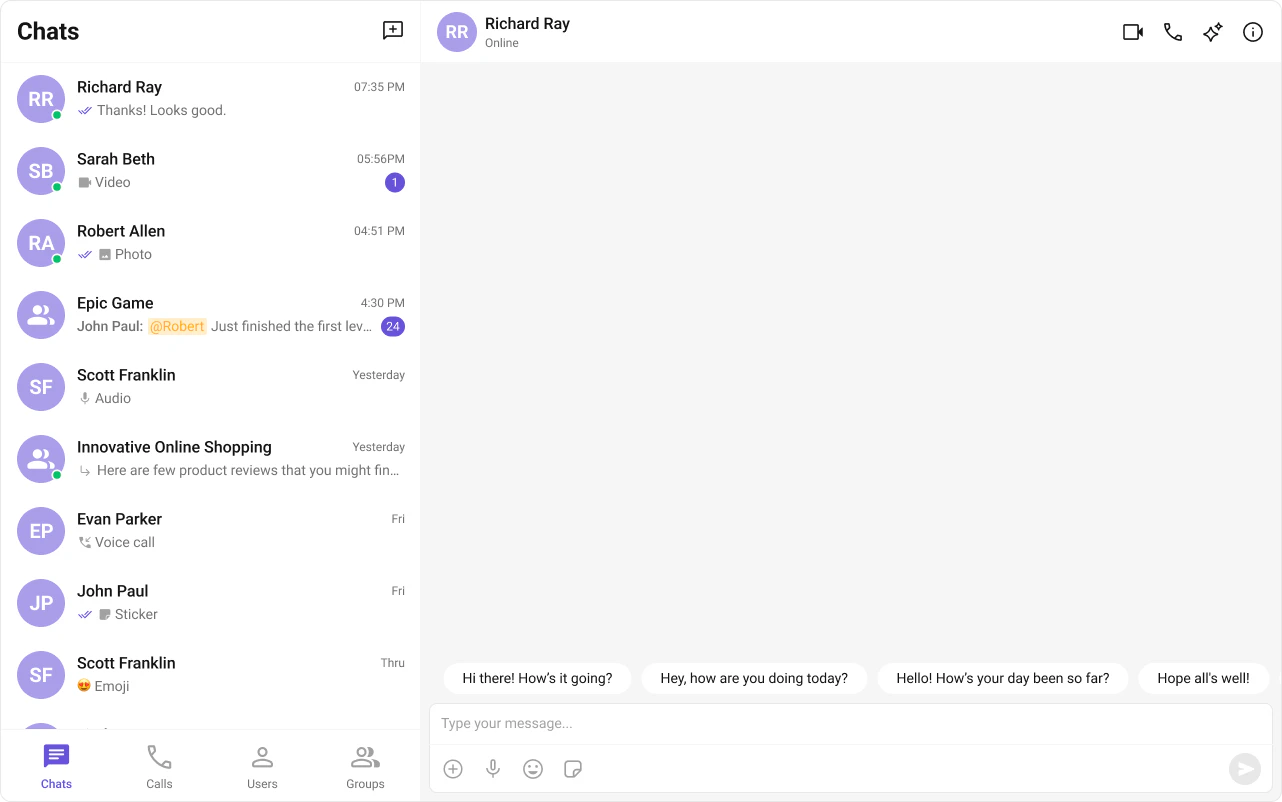
Displays AI-generated opening lines when a user starts a new or empty conversation. Helps break the ice by suggesting relevant topics.Enable it on cometchat-message-list:
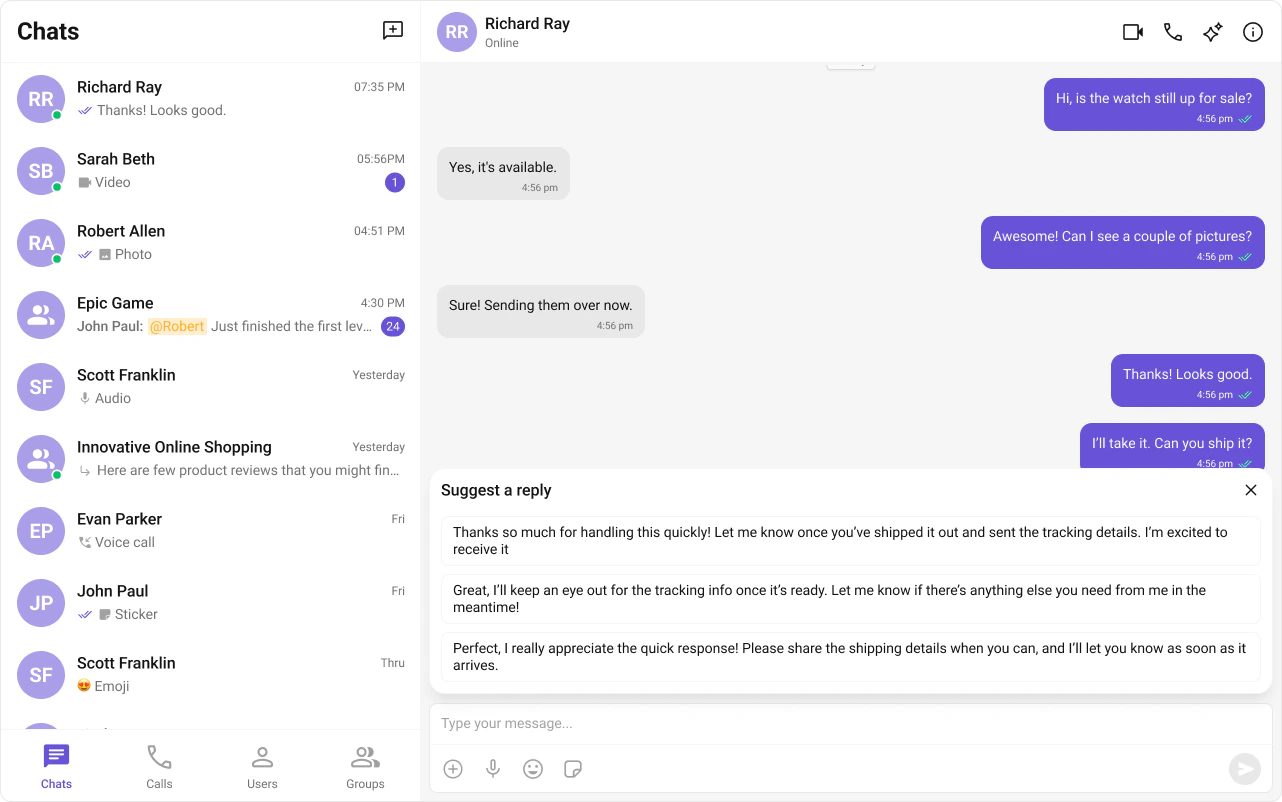
AI-generated response suggestions based on the last received message. Users can tap a suggestion to send it instantly.Enable it on cometchat-message-list:
Smart replies appear above the message composer when a qualifying message is received. The component respects configurable trigger keywords and a delay before showing suggestions.See CometChatSmartReplies for the standalone component docs.
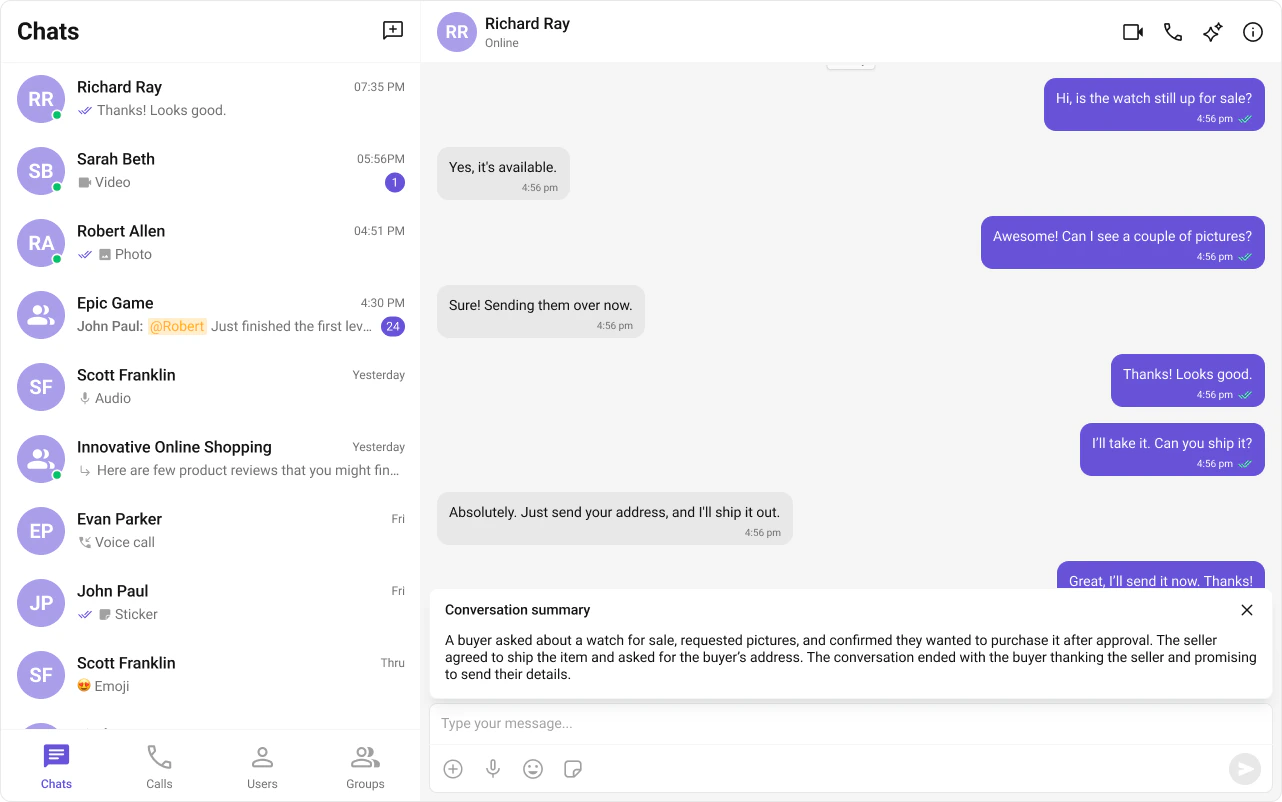
AI-generated recap of long conversations. Useful for catching up on missed messages without scrolling through the entire thread.Enable it on cometchat-message-header:
<!-- Enable in message header --><cometchat-message-header [user]="activeUser" [showConversationSummaryButton]="true"></cometchat-message-header>
Full example combining the header with conversation starters and smart replies in the message list: