Use this file to discover all available pages before exploring further.
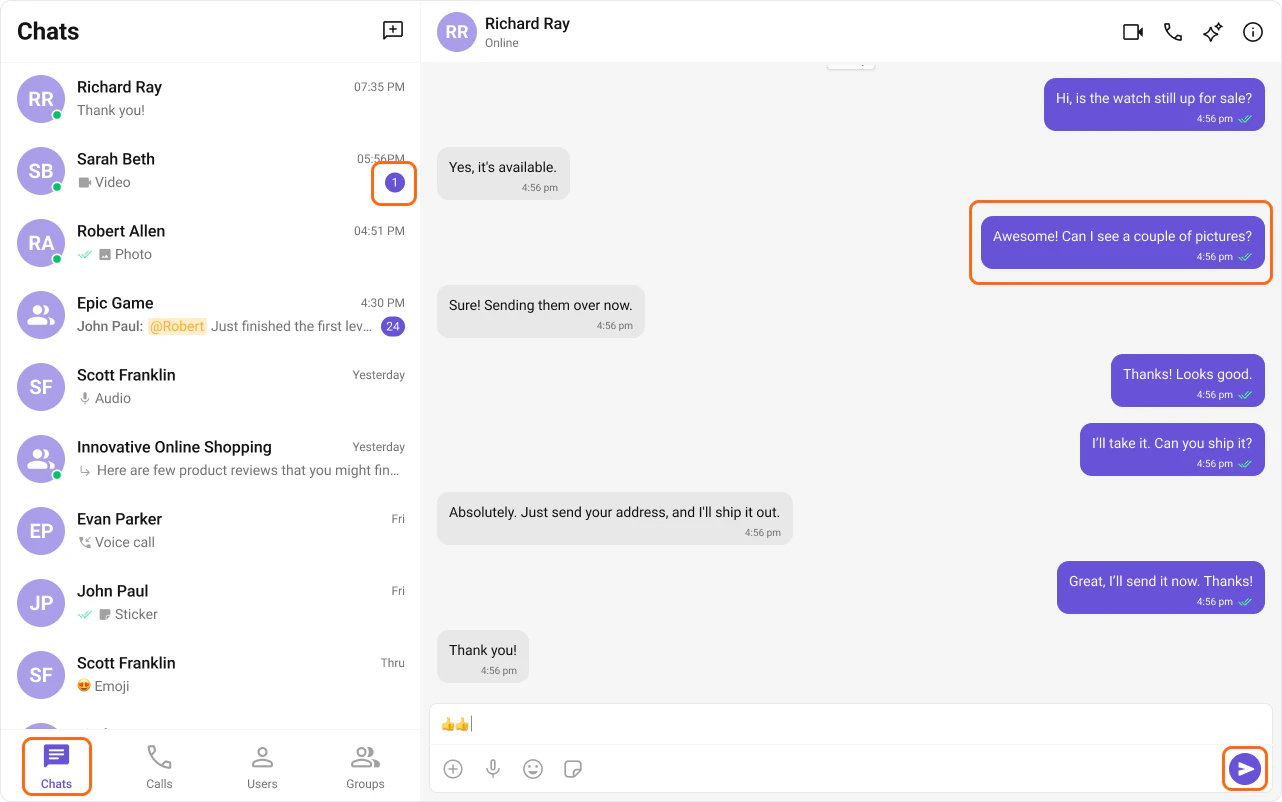
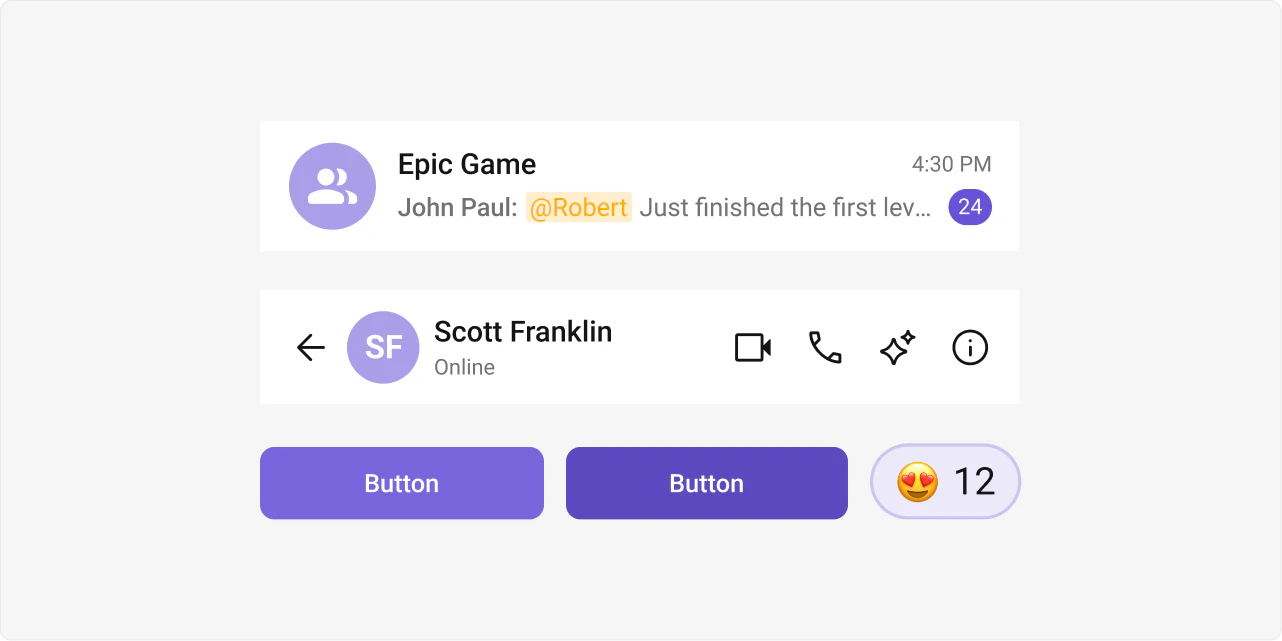
The Angular UIKit uses a CSS variable-based theming system. There are no theme objects or style input props — all customization is done by overriding CSS variables in your global stylesheet.
All design tokens are defined as CSS custom properties on :root in the UIKit’s css-variables.css. You override them in your own global CSS file to apply your brand.
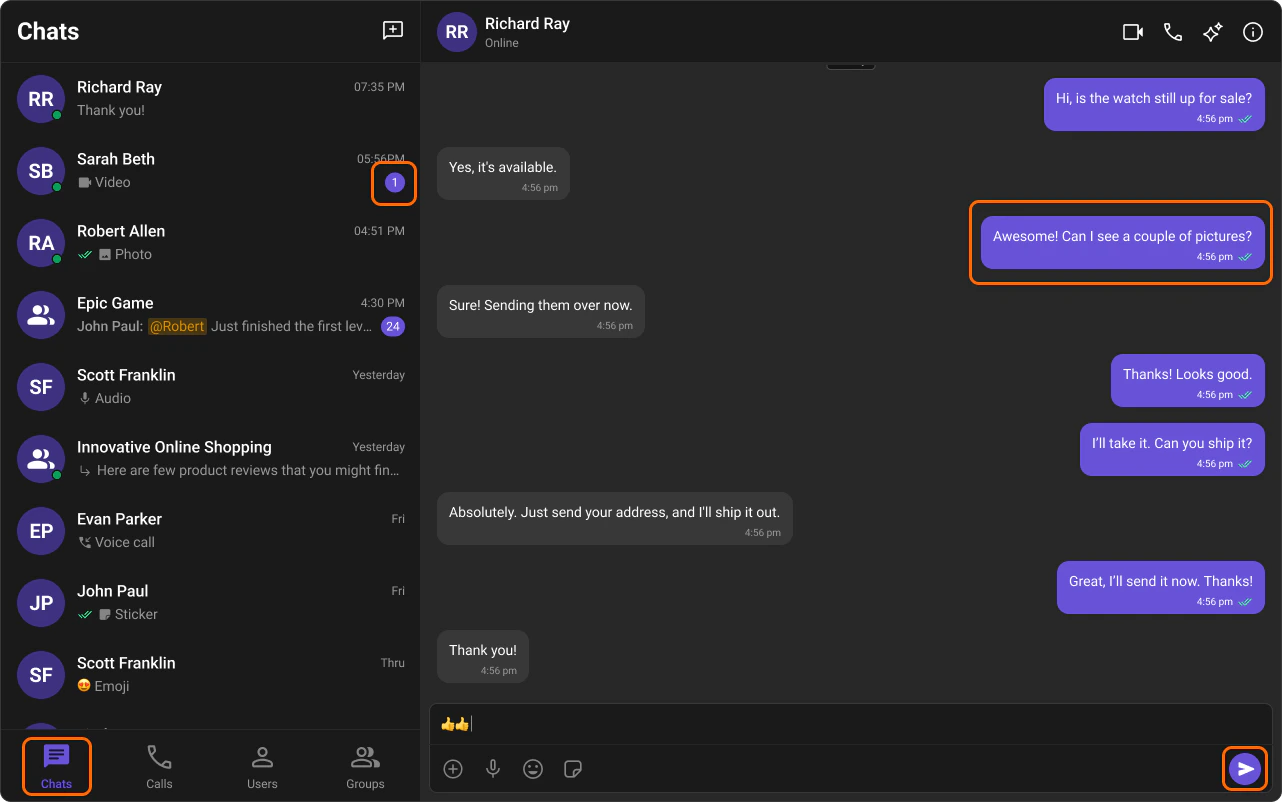
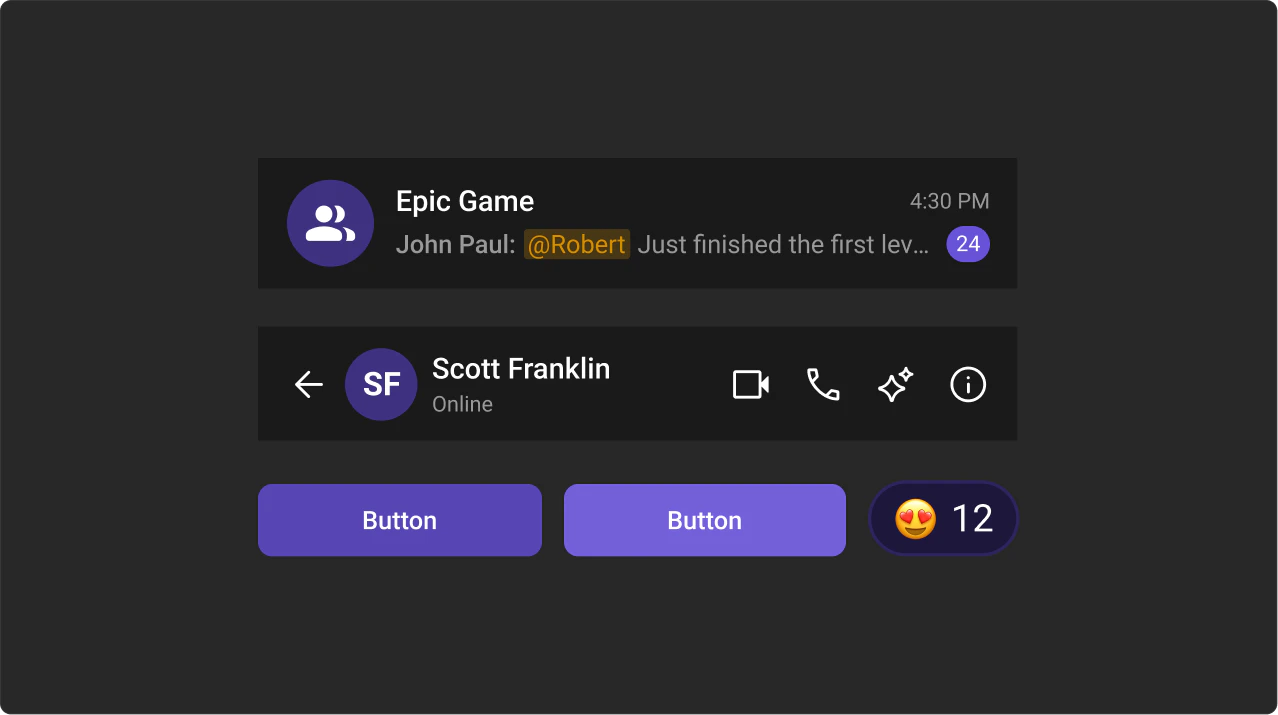
Dark mode is activated by setting the data-theme="dark" attribute on the <html> element:
import { DOCUMENT } from '@angular/common';import { inject } from '@angular/core';export class MyComponent { private doc = inject(DOCUMENT); setDark() { this.doc.documentElement.setAttribute('data-theme', 'dark'); } setLight() { this.doc.documentElement.setAttribute('data-theme', 'light'); }}
You can also call setTheme or toggleTheme directly:
import { DOCUMENT } from '@angular/common';import { inject } from '@angular/core';import { ThemeService } from '@cometchat/chat-uikit-angular';export class MyComponent { private themeService = inject(ThemeService); // Explicitly set a theme applyDark() { this.themeService.setTheme('dark'); } // Toggle between light and dark toggle() { this.themeService.toggleTheme(); }}
Method
Description
setTheme(theme)
Set 'light' or 'dark'
toggleTheme()
Flip between light and dark
SSR Note: Always use Angular’s DOCUMENT injection token instead of document directly.
To override styles for a specific instance, scope the variable override to that element’s selector:
/* Only affects this specific conversations list */.my-sidebar cometchat-conversations { --cometchat-primary-color: #FF5722;}/* Dark theme scoped to a specific container */.my-sidebar[data-theme="dark"] { --cometchat-primary-color: #F48FB1; --cometchat-extended-primary-color-500: #AD1457;}
CometChatSoundManager manages audio cues for incoming/outgoing calls and messages. Sound is a frozen object on CometChatSoundManager — access event keys via CometChatSoundManager.Sound.
import { CometChatSoundManager } from '@cometchat/chat-uikit-angular';// Play default incoming call soundCometChatSoundManager.play(CometChatSoundManager.Sound.incomingCall);// Play custom sound for incoming messageCometChatSoundManager.play(CometChatSoundManager.Sound.incomingMessage, 'MP3_FILE_ASSET_PATH');// Pause the ongoing soundCometChatSoundManager.pause();// Use individual methods directlyCometChatSoundManager.onIncomingCall();CometChatSoundManager.onOutgoingMessage('CUSTOM_AUDIO_PATH');
If your team uses a design token pipeline (e.g. Style Dictionary, Theo), you can generate the CSS variable overrides as a build artifact and import the output file in styles.css. The UIKit’s variable names follow a consistent --cometchat-{category}-{scale} pattern that maps cleanly to token schemas.