Documentation Index Fetch the complete documentation index at: https://cometchat-22654f5b-docs-android-v6-beta2.mintlify.app/llms.txt
Use this file to discover all available pages before exploring further.
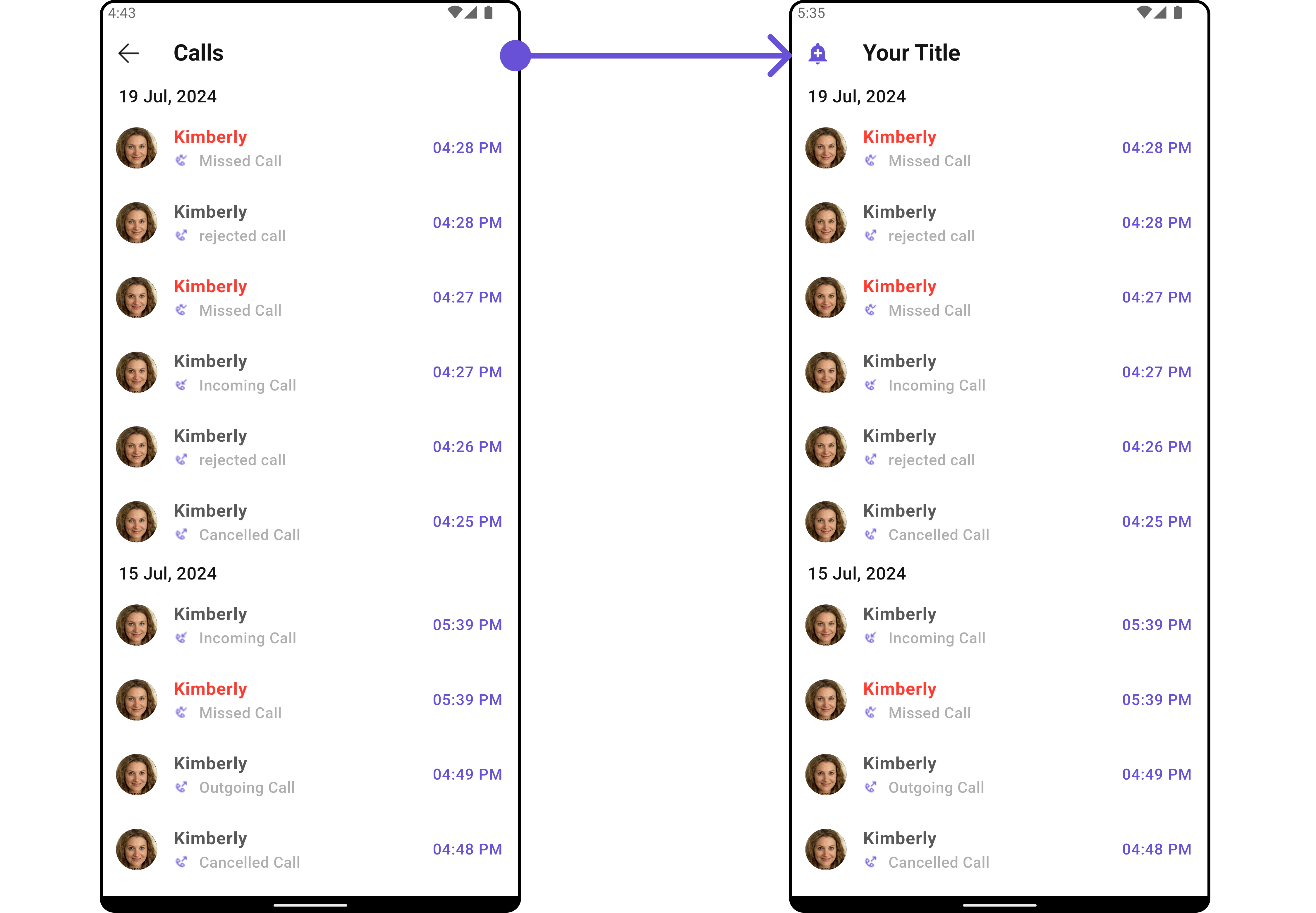
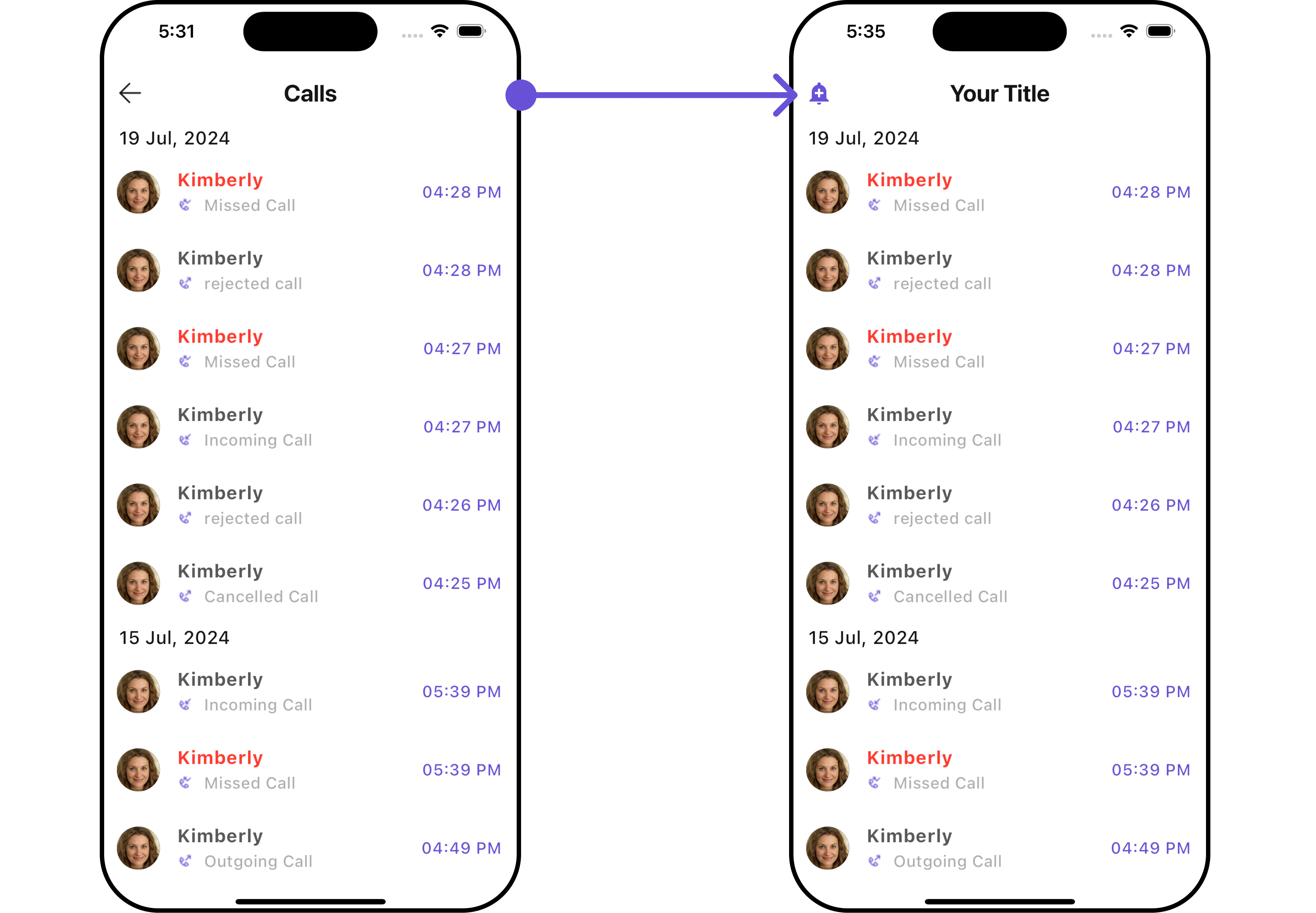
CometChatCallLogs renders a scrollable list of call history with call type indicators (audio/video), call status (incoming/outgoing/missed), timestamps, and pagination support.The CometChatCallLogs widget is composed of the following base widgets:
Widget Description CometChatListBase Container widget with title, background options, and list integration CometChatListItem Displays call log data on a card with title and subtitle
Where It Fits CometChatCallLogs is a list component. It renders call history and emits the selected CallLog via onItemClick. Wire it to a detail screen or use onCallLogIconClicked to initiate a call directly from the log.CometChatCallLogs ( onItemClick : (callLog) { // Navigate to call log details or open chat Navigator . push ( context, MaterialPageRoute ( builder : (context) => CometChatCallLogDetails (callLog : callLog), ), ); }, )
Quick Start Using Navigator:
Navigator . push (context, MaterialPageRoute (builder : (context) => const CometChatCallLogs ()));
Embedding as a widget:
import 'package:cometchat_chat_uikit/cometchat_calls_uikit.dart' ; import 'package:flutter/material.dart' ; class CallLogsExample extends StatefulWidget { const CallLogsExample ({ super .key}); @override State < CallLogsExample > createState () => _CallLogsExampleState (); } class _CallLogsExampleState extends State < CallLogsExample > { @override Widget build ( BuildContext context) { return const Scaffold ( body : SafeArea (child : CometChatCallLogs ()), ); } }
Prerequisites: CometChat SDK initialized with CometChatUIKit.init(), a user logged in, and the Calls UIKit dependency added. See Call Features for setup.
Filtering Call Logs Pass a CallLogRequestBuilder to control what loads:
CometChatCallLogs ( callLogsRequestBuilder : CallLogRequestBuilder () ..limit = 10 ..hasRecording = true , )
Filter Recipes Recipe Builder property Limit per page ..limit = 10Audio calls only ..callType = "audio"Video calls only ..callType = "video"Missed calls only ..callStatus = "missed"Incoming calls only ..callDirection = "incoming"Outgoing calls only ..callDirection = "outgoing"Calls with recording ..hasRecording = trueCalls for specific user ..uid = "user_uid"Calls for specific group ..guid = "group_guid"Call category (call/meet) ..callCategory = "call"
Filter Properties Property Type Description authTokenString?Authentication token callCategoryString?Category: "call" or "meet" callDirectionString?Direction: "incoming" or "outgoing" callStatusString?Status: "ongoing", "busy", "rejected", "cancelled", "ended", "missed", "initiated", "unanswered" callTypeString?Type: "audio", "video", or "audio/video" guidString?Group ID filter hasRecordingboolFilter calls with recordings limitintMax results per request uidString?User ID filter
Actions and Events Callback Methods onItemClickFires when a call log item is tapped. Primary navigation hook.
CometChatCallLogs ( onItemClick : (callLog) { // Navigate to call details or chat }, )
onItemLongPressFires when a call log item is long-pressed, allowing additional actions.
CometChatCallLogs ( onItemLongPress : ( CallLog callLog) { // Show context menu }, )
onBackFires when the user presses the back button in the app bar.
CometChatCallLogs ( onBack : () { Navigator . pop (context); }, )
onErrorFires on internal errors (network failure, SDK exception).
CometChatCallLogs ( onError : (e) { debugPrint ( "Error: ${ e . message } " ); }, )
onLoadFires when the list is successfully fetched and loaded.
CometChatCallLogs ( onLoad : (list) { debugPrint ( "Loaded ${ list . length } call logs" ); }, )
onEmptyFires when the list is empty after loading.
CometChatCallLogs ( onEmpty : () { debugPrint ( "No call logs found" ); }, )
onCallLogIconClickedFires when the call icon on a call log item is tapped, typically used to initiate a call back.
CometChatCallLogs ( onCallLogIconClicked : ( CallLog callLog) { // Initiate call back to this contact }, )
Events The CometChatCallLogs widget does not emit global events.
Functionality Property Type Default Description showBackButtonbool?trueToggle back button visibility hideAppbarbool?falseToggle app bar visibility backButtonWidget?nullCustom back button widget datePatternString?nullFormat pattern for date display dateSeparatorPatternString?nullFormat pattern for date separator hideSeparatorboolfalseHide separator between items emptyStateTextString?nullText for empty state errorStateTextString?nullText for error state incomingAudioCallIconIcon?nullCustom icon for incoming audio calls incomingVideoCallIconIcon?nullCustom icon for incoming video calls outgoingAudioCallIconIcon?nullCustom icon for outgoing audio calls outgoingVideoCallIconIcon?nullCustom icon for outgoing video calls missedAudioCallIconIcon?nullCustom icon for missed audio calls missedVideoCallIconIcon?nullCustom icon for missed video calls infoIconUrlString?nullURL for the info icon loadingIconUrlString?nullURL for the loading icon
Example — custom back button: CometChatCallLogs ( backButton : Icon ( Icons .arrow_back_ios, color : Color ( 0xFF6851D6 )), )
Custom View Slots List Item View Replace the entire list item row with a custom widget.
Dart
Helper: getCallStatus
CometChatCallLogs ( listItemView : (callLog, context) { final status = getCallStatus (context, callLog, CometChatUIKit .loggedInUser); IconData icon = Icons .call; Color ? color; Color ? textColor; if (status == "Incoming Call" ) { icon = Icons .phone_callback_rounded; color = Color ( 0xFF6852D6 ); } else if (status == "Outgoing Call" ) { icon = Icons .phone_forwarded; color = Color ( 0xFF6852D6 ); } else if (status == "Missed Call" ) { icon = Icons .phone_missed; color = Colors .red; textColor = Colors .red; } String name = _getCallLogName (callLog); String formattedDate = DateFormat ( 'd MMM, hh:mm a' ). format ( DateTime . fromMillisecondsSinceEpoch ((callLog.initiatedAt ?? 0 ) * 1000 ), ); return ListTile ( leading : CircleAvatar ( backgroundColor : Color ( 0xFFEDEAFA ), child : Icon (icon, color : color, size : 24 ), ), title : Text (name, style : TextStyle ( fontSize : 16 , fontWeight : FontWeight .w500, color : textColor ?? Color ( 0xFF141414 ), )), subtitle : Text (status, style : TextStyle ( color : Color ( 0xFF727272 ), fontSize : 14 , )), trailing : Text (formattedDate, style : TextStyle ( color : Color ( 0xFF727272 ), fontSize : 14 , )), ); }, )
static String getCallStatus ( BuildContext context, CallLog callLog, User ? loggedInUser) { String callMessageText = "" ; if (callLog.receiverType == ReceiverTypeConstants .user) { CallUser initiator = callLog.initiator as CallUser ; bool isMe = initiator.uid == loggedInUser ? .uid; switch (callLog.status) { case CallStatusConstants .initiated : callMessageText = isMe ? "Outgoing Call" : "Incoming Call" ; break ; case CallStatusConstants .ongoing : callMessageText = "Call Accepted" ; break ; case CallStatusConstants .ended : callMessageText = "Call Ended" ; break ; case CallStatusConstants .unanswered : case CallStatusConstants .cancelled : case CallStatusConstants .rejected : case CallStatusConstants .busy : callMessageText = isMe ? "Call ${ callLog . status } " : "Missed Call" ; break ; } } return callMessageText; }
Title View Replace the caller name / title text.
CometChatCallLogs ( titleView : (callLog, context) { return Text ( _getCallLogName (callLog), style : TextStyle (fontWeight : FontWeight .bold, fontSize : 16 ), ); }, )
Leading View Replace the avatar / left section.
CometChatCallLogs ( leadingView : (callLog, context) { return CircleAvatar ( backgroundColor : Color ( 0xFFEDEAFA ), child : Icon ( Icons .call, color : Color ( 0xFF6852D6 )), ); }, )
Subtitle View Replace the call status text below the name.
Dart
Helper: _getCallIcon
CometChatCallLogs ( subTitleView : (callLog, context) { return Row ( children : [ _getCallIcon (callLog, CometChatUIKit .loggedInUser), SizedBox (width : 4 ), Text ( getCallStatus (context, callLog, CometChatUIKit .loggedInUser), style : TextStyle (color : Color ( 0xFF727272 ), fontSize : 14 ), ), ], ); }, )
static Widget _getCallIcon ( CallLog callLog, User ? loggedInUser) { bool isMe = (callLog.initiator as CallUser ? ) ? .uid == loggedInUser ? .uid; Widget incoming = Icon ( Icons .call_received_outlined, color : Colors .red, size : 16 ); Widget outgoing = Icon ( Icons .call_made_outlined, color : Color ( 0xFF09C26F ), size : 16 ); Widget missed = Icon ( Icons .call_received_outlined, color : Colors .red, size : 16 ); switch (callLog.status) { case CallStatusConstants .initiated : case CallStatusConstants .ongoing : case CallStatusConstants .ended : return isMe ? outgoing : incoming; case CallStatusConstants .unanswered : case CallStatusConstants .cancelled : case CallStatusConstants .rejected : case CallStatusConstants .busy : return isMe ? outgoing : missed; default : return const SizedBox (); } }
Trailing View Replace the timestamp / right section.
CometChatCallLogs ( trailingView : (context, callLog) { String formattedDate = DateFormat ( 'd MMM, hh:mm a' ). format ( DateTime . fromMillisecondsSinceEpoch ((callLog.initiatedAt ?? 0 ) * 1000 ), ); return Text ( formattedDate, style : TextStyle (color : Color ( 0xFF727272 ), fontSize : 14 ), ); }, )
State Views CometChatCallLogs ( emptyStateView : (context) => Center (child : Text ( "No call logs yet" )), errorStateView : (context) => Center (child : Text ( "Something went wrong" )), loadingStateView : (context) => Center (child : CircularProgressIndicator ()), )
// Replace all options CometChatCallLogs ( setOptions : (callLog, controller, context) { return [ CometChatOption ( id : "callback" , iconWidget : Icon ( Icons .call), title : "Call Back" , onClick : () { // Initiate call back }, ), ]; }, ) // Append to defaults CometChatCallLogs ( addOptions : (callLog, controller, context) { return [ CometChatOption ( id : "block" , iconWidget : Icon ( Icons .block), title : "Block Number" , onClick : () { // Block this contact }, ), ]; }, )
Style CometChatCallLogs ( callLogsStyle : CometChatCallLogsStyle ( titleTextColor : Color ( 0xFFF76808 ), separatorColor : Color ( 0xFFF76808 ), avatarStyle : CometChatAvatarStyle ( borderRadius : BorderRadius . circular ( 8 ), backgroundColor : Color ( 0xFFFBAA75 ), ), ), )
Configurations Outgoing Call Customize the outgoing call component that appears when a call is initiated from a call log:
CometChatCallLogs ( outgoingCallConfiguration : OutgoingCallConfiguration ( subtitle : "Outgoing Call" , outgoingCallStyle : OutgoingCallStyle ( background : Color ( 0xFFE4EBF5 ), ), ), )
All exposed properties of OutgoingCallConfiguration can be found under Outgoing Call .
Next Steps
Call Log Details Guide Build a call log details screen
Call Buttons Add voice and video call buttons
Component Styling Detailed styling reference
Conversations Browse recent conversations