

The CometChat React Native UI Kit is developed to keep developers in mind and aims to reduce development efforts significantly.Documentation Index
Fetch the complete documentation index at: https://cometchat-22654f5b-docs-android-v6-beta2.mintlify.app/llms.txt
Use this file to discover all available pages before exploring further.
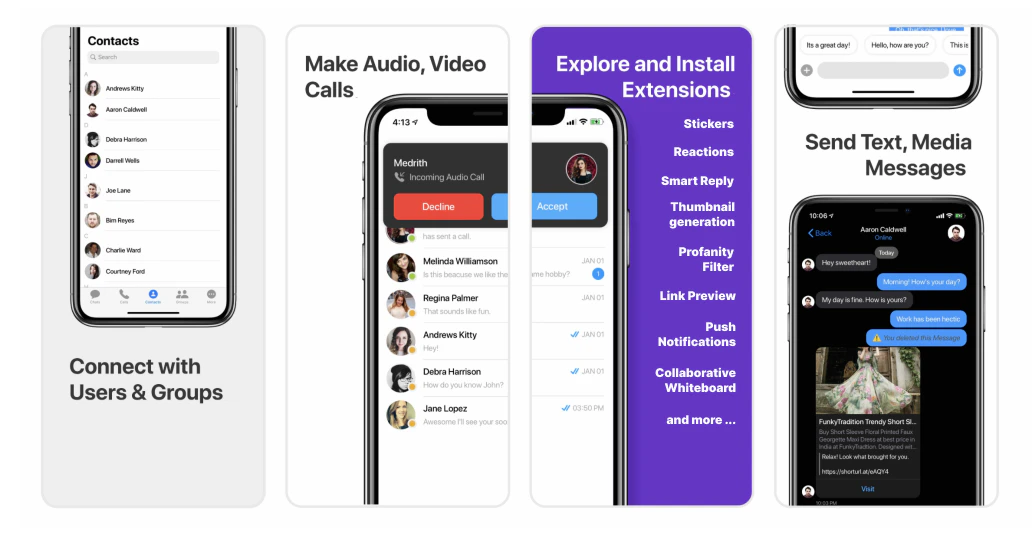
I want to checkout React Native Chat UI Kit.
Follow the steps mentioned in the
README.md file.Kindly, click on below button to download our React Native Chat UI Kit..React Native Chat UI KitView on GithubI want to explore the sample app
Kindly, click on below button to download our React Native Chat Sample App.React Native Sample AppView on Github
Prerequisites
Before you begin, ensure you have met the following requirements:- A text editor. (e.g. Visual Studio Code, Notepad++, Sublime Text, Atom, or VIM)
- Node
- npm
- React-Native
Installing React Native UI Kit
Setup
-
Register on CometChat
- To install React Native UI Kit, you need to first register on the CometChat Dashboard. Click here to Sign Up.
-
Get your application keys
- Create a new app.
- Head over to the QuickStart or API & Auth Keys section and note the App ID, Auth Key, and Region.
- Add the CometChat dependency
- CLI
Configure CometChat inside your app
- Initialize CometChat 🌟
- JavaScript
Replace APP_ID and REGION with your CometChat App ID and Region in the above code
- Login your user 👤
- JavaScript
We have set up 5 users for testing having UIDs: cometchat-uid-1, cometchat-uid-2, cometchat-uid-3, cometchat-uid-4, and cometchat-uid-5.We have used uid cometchat-uid-1 as an example here. You can create a User from CometChat Dashboard as well.
Add UI Kit to your project
- Clone this repository.
- CLI
- Copy the
cometchat-pro-react-native-ui-kitfolder to your source folder. - Copy all the peer dependencies from package.json into your project’s package.json and install them using npm install
Launch CometChat
CometChatUI is an option to launch a fully functional chat application using the UI Kit. In CometChatUI all the UI Components are interlinked and work together to launch a fully functional chat on your website/application.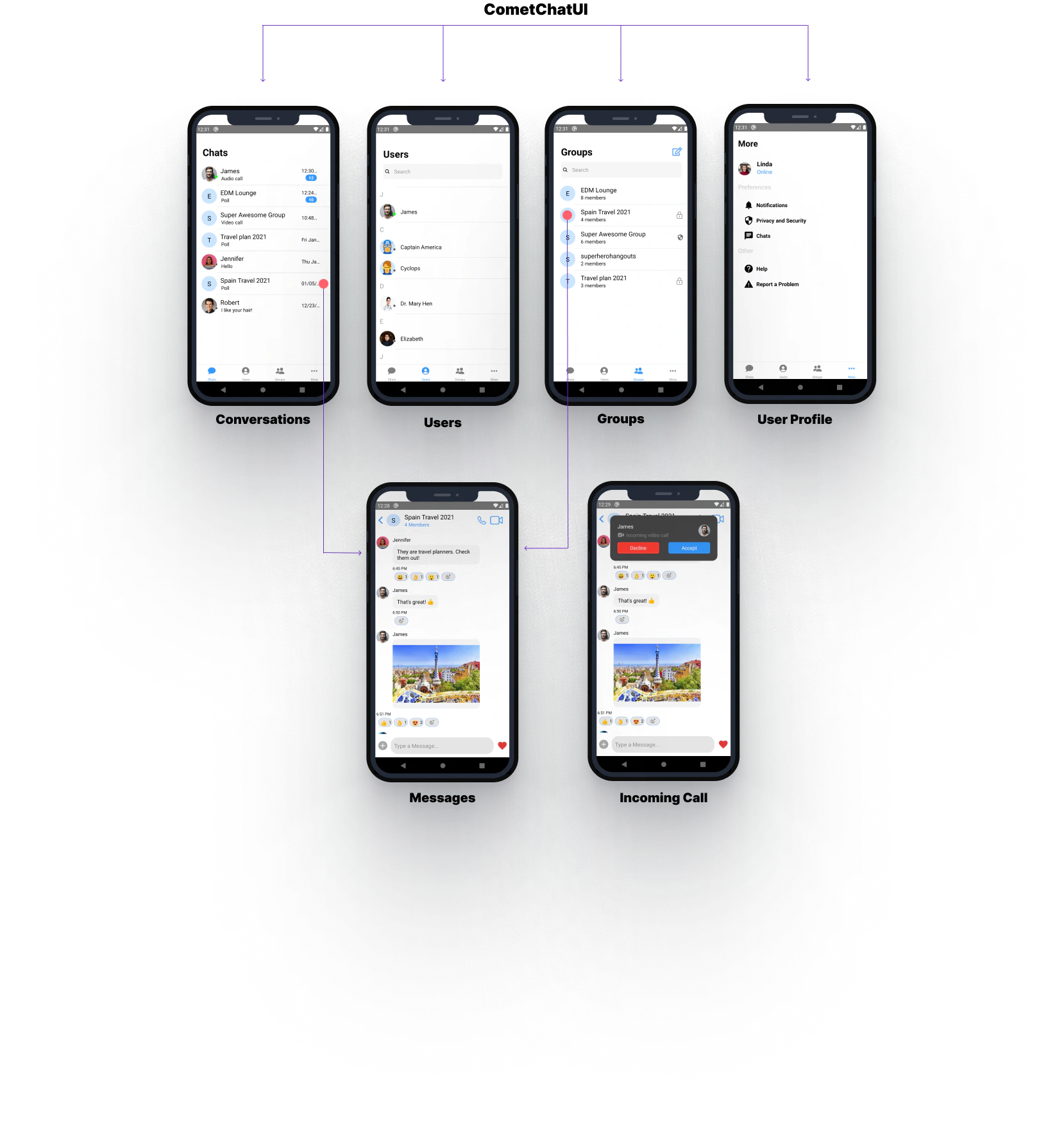
- JavaScript